

| Votes | By | Price | Discipline | Year Launched |
| Digital Scholar | FREE | Interdisciplinary |
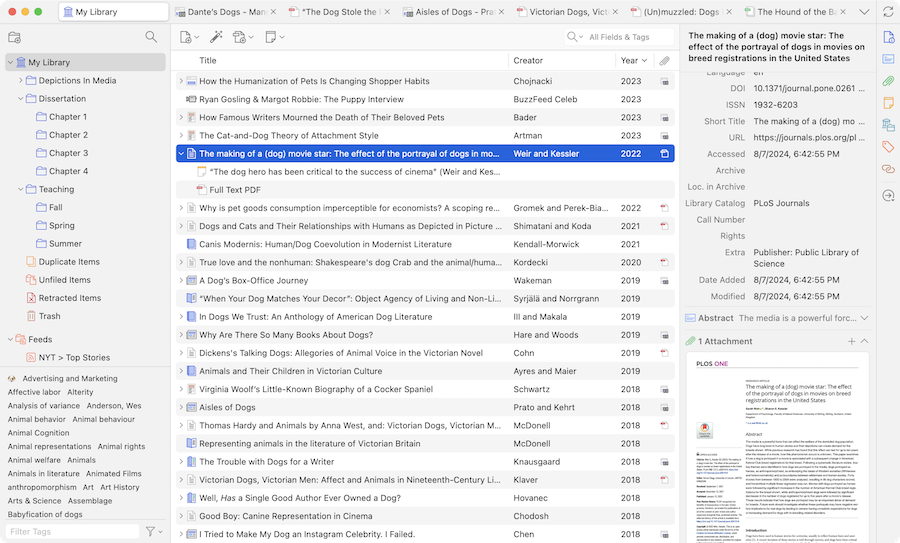

Zotero is one of the most widely used open-source reference managers, its mission is clear: provide researchers with a free, flexible, and transparent tool for collecting, managing, and citing scholarly sources across disciplines.
Why Zotero Stands Out:
1. Open-Source and Community Driven
Unlike commercial tools, Zotero is fully open-source, with an active global developer and user community. This ensures:
- Sustainable long-term support
- Transparency in data handling
- A strong plug-in ecosystem
- Zero vendor lock-in
For many academics and institutions, this openness is a critical advantage.
2. Effortless Reference Collection
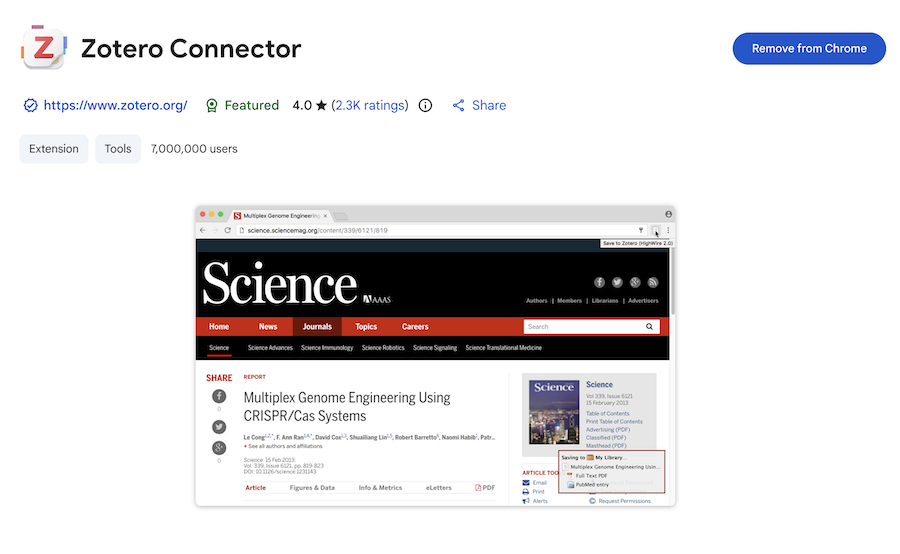
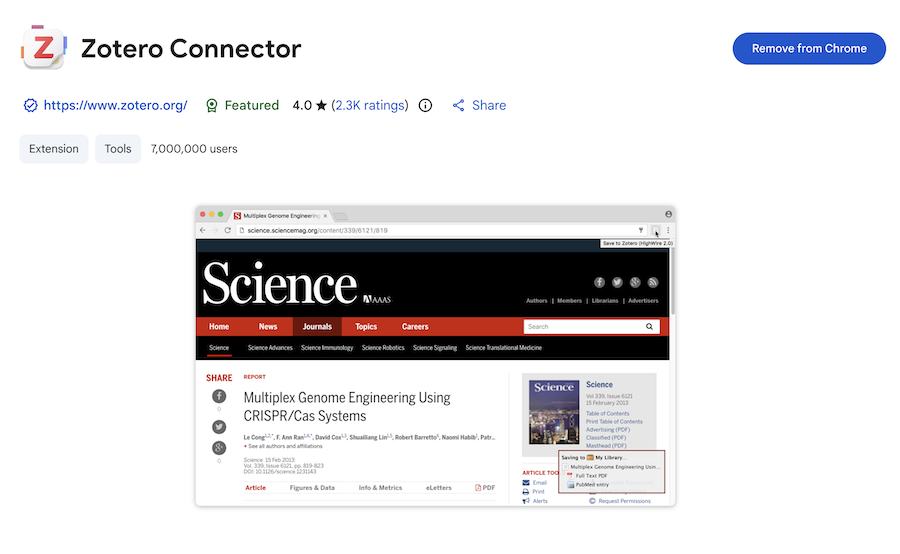
Zotero’s browser connector makes capturing citations, PDFs, and metadata from anywhere—including databases, publisher pages, and even PDFs—extremely smooth. This is one of its biggest strengths compared to tools like EndNote or Papers.
3. Organizational Power
Zotero excels as a digital research library, offering:
- Tags, folders, and saved searches
- Full-text PDF indexing
- Note-taking (now with Markdown-capable Zotero Notes)
- Bulk editing
- File syncing
- Advanced search filters
It fits as easily into humanities research as into life sciences.
4. Seamless Citation in Writing
With the Zotero Cite add-on (formerly Zotero Word processor plugin):
- Citations can be inserted into Word, Google Docs, LibreOffice
- Thousands of citation styles are available
- Teams can share libraries for collaborative writing
It remains one of the most stable writing integrations among reference managers.
Zotero’s Strengths
Free and Cross-Platform
Zotero is available on Windows, macOS, Linux, and maintains a web library and mobile apps.
Excellent PDF & Note Workflow
Recent updates added:
- Built-in PDF reader
- Annotation extraction
- Tagged notes
Integration with Markdown notebooks
This makes Zotero a strong competitor in research-reading workflows traditionally led by tools like ReadCube Papers.
Plugin Ecosystem
Zotero’s community plugins expand capabilities significantly:
- Chroms and Firefox plugins allow easy collection of papers, citations and other exploratory research material
- Better BibTeX (BBT) for LaTeX users
- Zotfile for file renaming/moving (now partly replaced by built-in features)
- Integration with Obsidian, Notion, and Roam Research
- Duplicate detection and metadata cleanup tools
This and other extensibility is a major reason power users prefer Zotero.
Limitations
Storage Limits: The base cloud storage (at around 300MB) is modest. Large PDF-heavy libraries may require a paid storage plan—though users can self-host files via WebDAV.
Learning Curve for Advanced Features: While basic use is simple, mastering metadata cleanup, plug-ins, and workflows may require more setup time than some commercial tools.
Team Collaboration Isn’t as Slick as Premium Platforms: While Zotero Groups work well, enterprise-level features (project permissions, role-based access, integrated discovery tools) are lighter than what paid platforms offer.